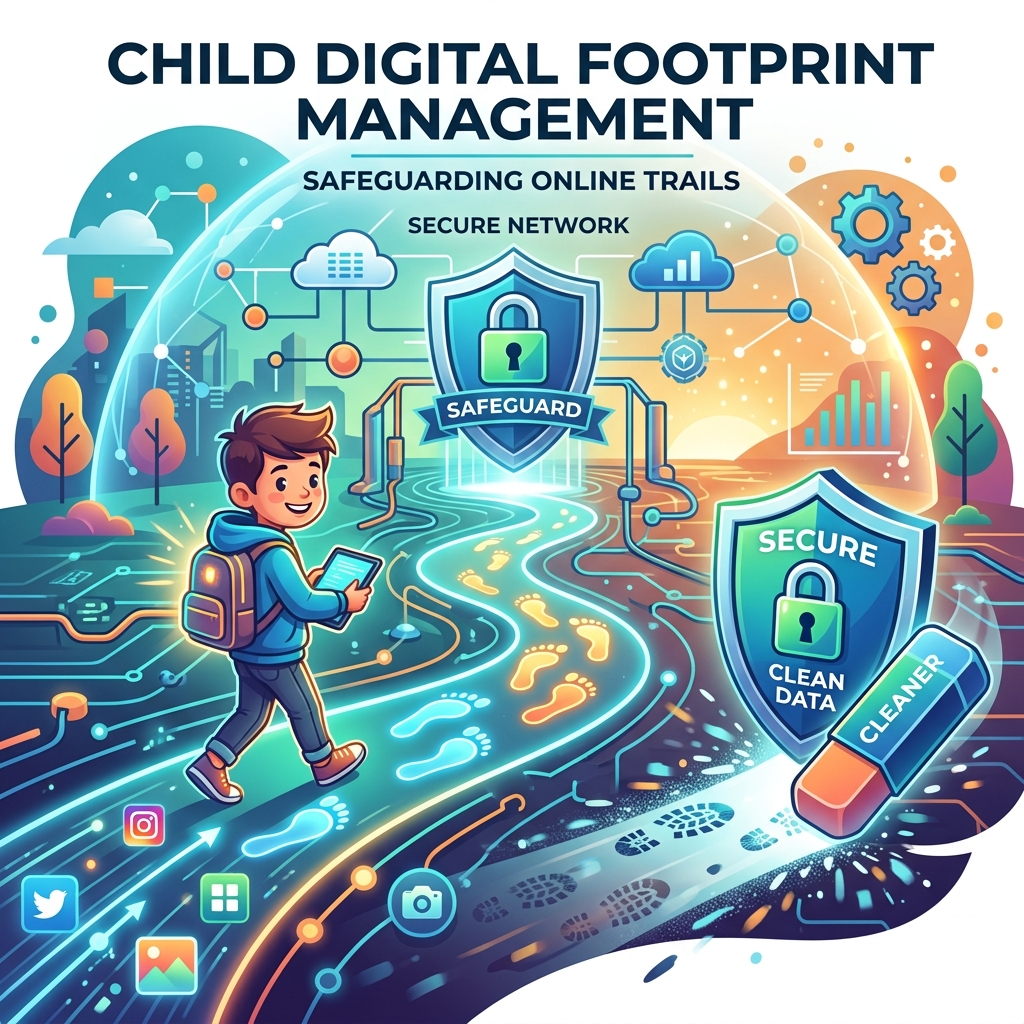
Child digital footprint management is the proactive practice of curating, securing, and cleaning up the permanent trail of data a minor leaves behind on the internet. Every social media post, multiplayer gaming account, uploaded photo, and forum comment contributes to this footprint. Unlike a physical trail, a digital footprint is permanent, searchable, and easily exploited by data brokers or cybercriminals.
For modern youth, their digital footprint is their resume. College admissions boards, potential employers, and even future landlords increasingly rely on internet searches to evaluate candidates. A poorly managed footprint—littered with overshared personal data or inappropriate content—can severely limit a child’s future opportunities.
This guide provides a comprehensive framework for parents to help their children audit their existing data, establish strong privacy boundaries, and build a digital presence that reflects positively on their character.
- Child digital footprint management involves both deleting negative content and actively posting positive content.
- The “invisible footprint” includes browsing history and location data collected by apps.
- Regularly searching your child’s name on Google is the first step in auditing their footprint.
- Effective management is a core component of online reputation management for teens.
Understanding the Two Types of Digital Footprints
To manage a digital footprint effectively, parents must understand that data is collected in two distinct ways.
The Active Footprint
The active footprint consists of data the child intentionally shares. This includes Instagram photos, TikTok videos, comments on YouTube, and profiles on gaming platforms. Because this data is public by default, it forms the basis of their online reputation. Educating children on what to post is central to child online privacy protection.
The Passive (Invisible) Footprint
The passive footprint is far more insidious. It is the data collected without the child’s explicit knowledge. This includes IP addresses, search engine queries, location tracking by mobile games, and cross-site tracking cookies. Managing the passive footprint requires technical safeguards, such as configuring device settings and using secure browsers.
A Step-by-Step Guide to Managing the Footprint
Digital footprint management is an ongoing process. Follow these steps to clean up existing data and prevent future oversharing.
1. The Initial Audit
Begin by searching your child’s full name, nicknames, and common usernames on major search engines. Review Google Images thoroughly. If you discover accounts your child no longer uses, log in and permanently delete them. Ghost accounts are a major vulnerability for data breaches and identity theft. Consider using family identity protection services to scan the dark web for their data.
2. Maximize Social Media Privacy
Ensure that all active social media accounts are set to “Private.” This prevents search engines from indexing their photos and restricts access to approved friends only. Additionally, disable the ability for apps to track location data, ensuring their passive footprint remains as small as possible.
3. Implement the “Pause and Post” Rule
Teach your child the “Pause and Post” rule. Before uploading anything, they should pause and ask: Would I want a college recruiter or my grandmother to see this? This simple cognitive break significantly reduces impulsive oversharing.
Building a Positive Footprint
A completely blank digital footprint can sometimes be viewed suspiciously by admissions officers. Instead of just hiding data, help older teens build a positive portfolio.
| Action | Platform | Benefit |
|---|---|---|
| Professional Networking | Allows teens to highlight volunteer work, coding bootcamps, and academic achievements. | |
| Digital Portfolios | Personal Website / WordPress | Creates a highly-ranked search result showcasing their artwork, writing, or projects. |
| Positive Content Creation | YouTube (Curated) | Demonstrates skills like music performance or educational tutorials to future employers. |
Conclusion
Child digital footprint management is essential for securing a minor’s future in an increasingly connected world. By auditing their active footprint, restricting passive data collection through privacy settings, and encouraging the creation of positive content, parents can help their children build a stellar digital resume. Start today by conducting a thorough Google search of your child’s name and discussing the results together.
Commercial Buyer’s Guide: Investing in Your Family’s Digital Safety
While education and communication are foundational, they are not enough to stop automated cyber attacks and synthetic identity fraud. To truly secure your household, you must invest in enterprise-grade cybersecurity. When you are ready to best digital footprint cleanup software, you need to look beyond free, basic tools and evaluate premium, comprehensive platforms.
Why Free Tools Fail
Free security tools often lack the critical features necessary for modern defense, such as continuous dark web scanning, real-time ransomware protection, and dedicated resolution specialists. Furthermore, free apps frequently monetize your usage by harvesting and selling your family’s data—the exact opposite of what a privacy tool should do.
Top Recommendations for 2026
Based on our extensive testing and independent security audits, here are the top-rated suites on the market:
| Software Suite | Primary Strength | Average Annual Price |
|---|---|---|
| Aura Family Plan | Unmatched all-in-one protection combining antivirus, VPN, parental controls, and identity theft insurance. | $144/year |
| Norton 360 Deluxe with LifeLock | The industry standard for rapid threat detection and million-dollar stolen funds reimbursement. | $180/year |
| Bark Premium | The absolute best AI-driven social media monitoring for detecting cyberbullying and predatory behavior. | $99/year |
When you evaluate the cost of top identity theft protection or premium parental controls, remember that you are purchasing peace of mind. The financial and emotional toll of a compromised identity or a cyberbullying incident far outweighs the annual subscription fee of a premium security suite.
Author Bio: Russell F. Jones holds a Master in Psychology from the University of Florida. He specializes in digital parenting, helping families manage online reputations and protect sensitive data.
Last Updated: June 2026
Frequently Asked Questions
What is child digital footprint management?
Child digital footprint management is the process of curating, securing, and cleaning up the permanent trail of data a minor leaves online to ensure their digital reputation is positive and secure.
What is the difference between an active and passive digital footprint?
An active footprint is data shared intentionally, like social media posts. A passive footprint is data collected silently by apps and websites, such as location tracking and browsing history.
Can a digital footprint affect college admissions?
Yes. Many college admissions officers and scholarship committees search applicants online. A footprint showing cyberbullying or inappropriate behavior can result in rejection.
How can I delete my child’s old digital footprint?
You must manually log into old, abandoned accounts and request permanent deletion through the platform’s settings. If you find photos posted by others, you can request the platform remove them for violating minor privacy policies.
Should my child have zero digital footprint?
No. For older teens, having a blank footprint can be detrimental. It is better to have a curated, positive footprint—like a LinkedIn profile or a digital portfolio—that showcases their achievements.
Comprehensive 2026 Buyer’s Guide & Additional Insights: Child Digital Footprint Management: Safeguarding Their Digital Future
As the digital landscape evolves, staying informed about child digital footprint management: safeguarding their digital future is more critical than ever. Families across the globe are facing unprecedented challenges in managing digital safety, screen time, and psychological well-being. Whether you are dealing with toddlers discovering tablets or teenagers navigating complex social media ecosystems, relying on outdated strategies is no longer sufficient.
Why Premium Solutions Matter
Many parents attempt to solve modern digital problems using free, built-in operating system controls. However, these tools are often inadequate against tech-savvy minors and sophisticated algorithms. When addressing child digital footprint management: safeguarding their digital future, investing in enterprise-grade family network security and premium software suites provides a unified, impenetrable defense.
Free tools typically lack deep packet inspection, real-time cyberbullying detection, and comprehensive dark web scanning. Furthermore, some free applications monetize their services by harvesting your family’s behavioral data, directly contradicting your privacy goals.
Top Industry Recommendations
| Recommended Service | Key Benefit | Average Cost |
|---|---|---|
| Aura Family Plan | Unmatched all-in-one protection combining antivirus, VPN, parental controls, and identity theft insurance. | $144/year |
| Norton 360 Deluxe | Industry-standard rapid threat detection and million-dollar stolen funds reimbursement. | $180/year |
| Bark Premium | The absolute best AI-driven social media monitoring for detecting digital threats. | $99/year |
When you evaluate the costs associated with these premium tools, you must factor in the invaluable peace of mind they provide. The financial and emotional toll of a compromised identity or unmonitored digital access far outweighs a nominal annual subscription fee.
Explore More Digital Parenting Resources
For a comprehensive overview of how to protect your family in 2026, be sure to read our Ultimate Guide to Digital Parenting.
Additionally, check out these related guides to further secure your household:
- Child Cyber Security Software: The Ultimate Parent’s Guide
- Online Risk Assessment for Children: Evaluating Digital Threats
- Child SSN Protection: Locking Down Their Master Key
Explore More Digital Parenting Resources
For a comprehensive overview of how to protect your family in 2026, be sure to read our Ultimate Guide to Digital Parenting.
Additionally, check out these related guides to further secure your household:
- Child SSN Protection: Locking Down Their Master Key
- Online Reputation Management for Teens: Building a Positive Digital Footprint
- Family Privacy Management: The Complete 2026 Guide
