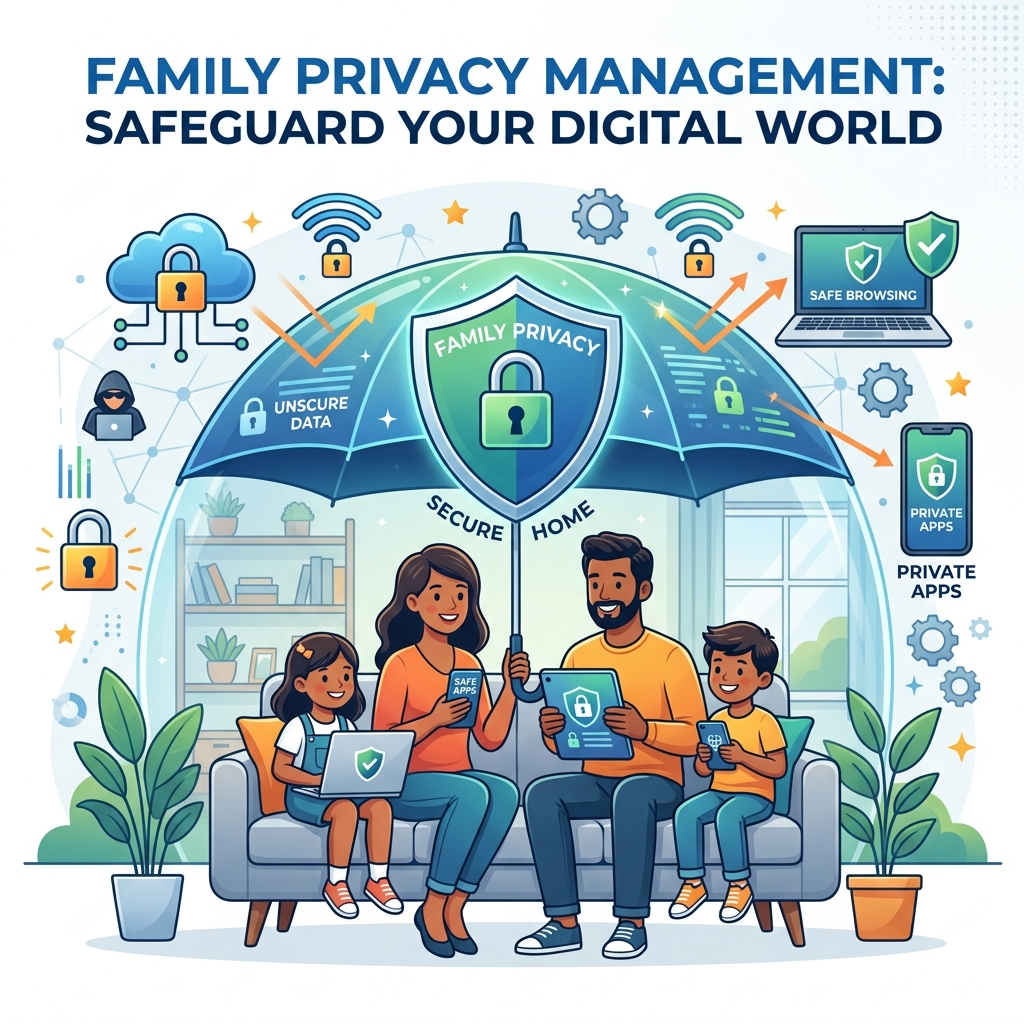
Modern households rarely stick to a single technology ecosystem. A typical family might have an iPhone for the parents, Android tablets for the toddlers, a Windows PC for homework, and a communal iPad in the living room. Attempting to manage safety settings individually on every single device is a logistical nightmare. To maintain sanity and security, you must buy cross platform parental controls that unify your entire family’s digital life under a single dashboard.
In this guide, we will explore why device-specific controls fail, how to compare multi-device parental software cost, and how to deploy the best iOS and Android family monitoring solutions seamlessly.
- A cross-platform solution allows you to manage Apple, Google, and Microsoft devices from one app.
- The top rated cross platform internet filter applies your rules simultaneously to all hardware.
- Avoid paying multiple subscriptions by investing in a suite that offers “Unlimited Devices.”
- Consistent rules across all platforms prevent tech-savvy teens from finding loopholes.
The Problem with Native Controls
Both Apple (Screen Time) and Google (Family Link) offer excellent, free parental controls. However, Apple Screen Time only works on iOS, and Family Link is primarily designed for Android (with very limited iOS support). If you set a 2-hour daily screen time limit on your child’s iPad using Apple Screen Time, it does not communicate with their Android phone. They can exhaust their iPad time, simply put it down, and immediately pick up their Android device for another 2 hours.
This lack of communication creates massive loopholes. Cross-platform software solves this by tracking the child’s profile, rather than just the device. If the child hits their 2-hour limit on the iPad, the cross-platform software instantly locks down their Android phone and Windows PC as well.
Features of the Best iOS and Android Family Monitoring
When evaluating multi-device solutions, the software must be capable of translating your parenting rules across different operating systems. Look for these core features:
1. Universal Time Management
The software must pool screen time across all devices. The top rated cross platform internet filter will pause the internet on the child’s iPhone, Kindle Fire, and laptop simultaneously when it is time for dinner.
2. Centralized Web Filtering
You should only have to build your web filtering blacklist once. When you block a specific adult website or a toxic social media platform from the parent dashboard, that block must instantly propagate to Safari on the Mac, Chrome on the Android, and Edge on the PC.
3. Universal Location Tracking
Parents should not have to open Apple’s “Find My” to track the iPhone and a different app to track the Android tablet. A cross-platform suite provides a single map displaying the real-time GPS coordinates of every device in the household.
Comparing Multi-Device Parental Software Cost
You must compare multi-device parental software cost carefully, as some companies charge per device, which quickly becomes exorbitant for large families. Always look for flat-rate household pricing.
| Cross-Platform Suite | Best Feature | Average Annual Pricing | Best For |
|---|---|---|---|
| Bark Premium | Universal AI monitoring across iOS, Android, and PC. | $99/year (Unlimited Devices) | Families prioritizing cyberbullying and depression detection. |
| Qustodio Premium | Flawless translation of screen time rules across Apple and Android. | $96/year (Up to 10 Devices) | Households deeply mixed between iOS and Android. |
| Norton Family | Included free with Norton 360 Deluxe antivirus suites. | $104/year (Includes Antivirus) | Families needing full cybersecurity, including family threat protection software. |
Implementation: The Hub and Spoke Model
Setting up cross-platform software requires a “hub and spoke” approach. You install the “Parent App” (the hub) on your personal smartphone. From there, you send installation links (the spokes) to every child’s device in the house. You log into each child’s device using your master credentials, assign the device to that specific child’s profile, and the software begins syncing.
Because you are managing multiple ecosystems, expect setup to take an hour or two. Apple devices will require you to install an MDM (Mobile Device Management) profile, while Android devices will require you to grant “Accessibility” permissions to the software.
Conclusion
In a mixed-device household, native parental controls are simply insufficient. By deciding to buy cross platform parental controls, you regain control over the household’s digital diet. You eliminate loopholes, centralize your reporting, and ensure that your parenting rules are applied consistently whether your child is holding an iPad, an Android, or sitting at a Windows PC. For a deeper dive into securing specific devices, see our guide on parental control apps for iPhone.
Author Bio: Russell F. Jones holds a Master in Psychology from the University of Florida. He specializes in providing families with the technical knowledge needed to defend against complex digital threats and enforce healthy screen time boundaries.
Last Updated: June 2026
Frequently Asked Questions
What are cross-platform parental controls?
Cross-platform parental controls are software suites that allow you to manage and monitor different operating systems (iOS, Android, Windows, Mac) from a single centralized parent dashboard.
Can cross-platform software track my child’s total screen time?
Yes. This is their biggest advantage. The software pools the time spent across all devices. If the limit is 2 hours, the child cannot bypass it by simply switching from an iPad to an Android phone.
Do these apps work on gaming consoles like Xbox or PlayStation?
Most cross-platform apps do not install directly onto gaming consoles. To restrict internet access on an Xbox or PlayStation, you must use router-level controls or the console’s native family settings.
Is it difficult to set up cross-platform monitoring?
It takes more time than using native controls because you must install the app and grant specific system permissions on each individual device, but the centralized management saves countless hours in the long run.
Does Apple allow third-party parental controls to work?
Yes, but Apple is strict. Third-party apps on iOS require the installation of an MDM (Mobile Device Management) profile to enforce app blocking and screen time rules on iPhones and iPads.
Comprehensive 2026 Buyer’s Guide & Additional Insights: Family Privacy Management: The Complete 2026 Guide
As the digital landscape evolves, staying informed about family privacy management: the complete 2026 guide is more critical than ever. Families across the globe are facing unprecedented challenges in managing digital safety, screen time, and psychological well-being. Whether you are dealing with toddlers discovering tablets or teenagers navigating complex social media ecosystems, relying on outdated strategies is no longer sufficient.
Why Premium Solutions Matter
Many parents attempt to solve modern digital problems using free, built-in operating system controls. However, these tools are often inadequate against tech-savvy minors and sophisticated algorithms. When addressing family privacy management: the complete 2026 guide, investing in enterprise-grade family network security and premium software suites provides a unified, impenetrable defense.
Free tools typically lack deep packet inspection, real-time cyberbullying detection, and comprehensive dark web scanning. Furthermore, some free applications monetize their services by harvesting your family’s behavioral data, directly contradicting your privacy goals.
Top Industry Recommendations
| Recommended Service | Key Benefit | Average Cost |
|---|---|---|
| Aura Family Plan | Unmatched all-in-one protection combining antivirus, VPN, parental controls, and identity theft insurance. | $144/year |
| Norton 360 Deluxe | Industry-standard rapid threat detection and million-dollar stolen funds reimbursement. | $180/year |
| Bark Premium | The absolute best AI-driven social media monitoring for detecting digital threats. | $99/year |
When you evaluate the costs associated with these premium tools, you must factor in the invaluable peace of mind they provide. The financial and emotional toll of a compromised identity or unmonitored digital access far outweighs a nominal annual subscription fee.
Comprehensive 2026 Buyer’s Guide & Additional Insights: Family Privacy Management: The Complete 2026 Guide
As the digital landscape evolves, staying informed about family privacy management: the complete 2026 guide is more critical than ever. Families across the globe are facing unprecedented challenges in managing digital safety, screen time, and psychological well-being. Whether you are dealing with toddlers discovering tablets or teenagers navigating complex social media ecosystems, relying on outdated strategies is no longer sufficient.
Why Premium Solutions Matter
Many parents attempt to solve modern digital problems using free, built-in operating system controls. However, these tools are often inadequate against tech-savvy minors and sophisticated algorithms. When addressing family privacy management: the complete 2026 guide, investing in enterprise-grade family network security and premium software suites provides a unified, impenetrable defense.
Free tools typically lack deep packet inspection, real-time cyberbullying detection, and comprehensive dark web scanning. Furthermore, some free applications monetize their services by harvesting your family’s behavioral data, directly contradicting your privacy goals.
Top Industry Recommendations
| Recommended Service | Key Benefit | Average Cost |
|---|---|---|
| Aura Family Plan | Unmatched all-in-one protection combining antivirus, VPN, parental controls, and identity theft insurance. | $144/year |
| Norton 360 Deluxe | Industry-standard rapid threat detection and million-dollar stolen funds reimbursement. | $180/year |
| Bark Premium | The absolute best AI-driven social media monitoring for detecting digital threats. | $99/year |
When you evaluate the costs associated with these premium tools, you must factor in the invaluable peace of mind they provide. The financial and emotional toll of a compromised identity or unmonitored digital access far outweighs a nominal annual subscription fee.
Explore More Digital Parenting Resources
For a comprehensive overview of how to protect your family in 2026, be sure to read our Ultimate Guide to Digital Parenting.
Additionally, check out these related guides to further secure your household:
- Online Risk Assessment for Children: Evaluating Digital Threats
- Online Reputation Management for Teens: Building a Positive Digital Footprint
- Child Digital Footprint Management: Safeguarding Their Digital Future
Explore More Digital Parenting Resources
For a comprehensive overview of how to protect your family in 2026, be sure to read our Ultimate Guide to Digital Parenting.
Additionally, check out these related guides to further secure your household:
- Child Digital Footprint Management: Safeguarding Their Digital Future
- Secure Browsing for Kids: Locking Down Their Digital Window
- Child SSN Protection: Locking Down Their Master Key
