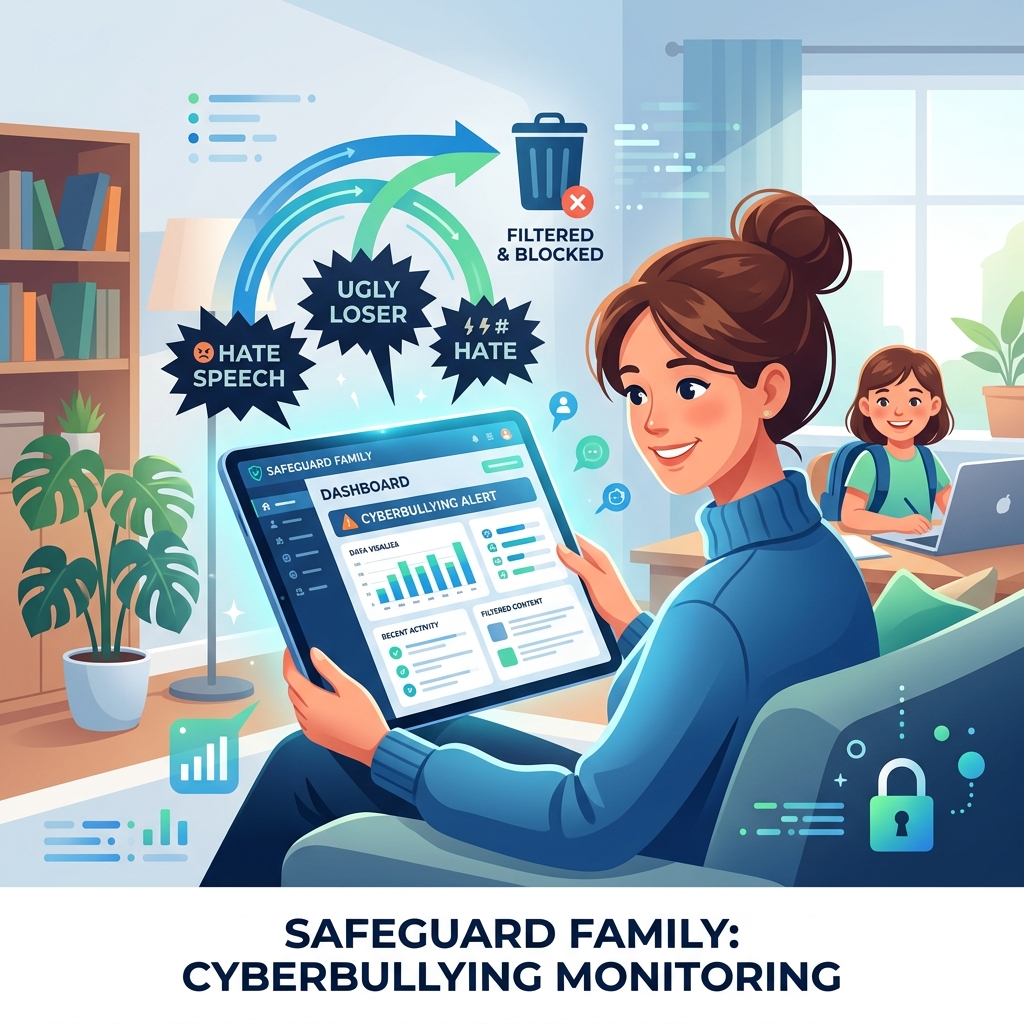
Cyberbullying monitoring software is a specialized category of parental control technology designed to detect, flag, and alert parents to instances of digital harassment, hate speech, and online abuse targeting their children. Unlike traditional web filters that simply block inappropriate websites, monitoring software uses advanced algorithms to scan the context of text messages, social media posts, and emails.
The anonymity of the internet has caused a massive spike in cyberbullying. Children are increasingly subjected to relentless harassment that follows them home via their smartphones. Because victims often hide the abuse out of shame or fear of losing device privileges, parents must rely on proactive monitoring tools to uncover the truth.
In this guide, we will analyze how these monitoring tools work, compare the leading software options, and provide a framework for responding effectively if the software alerts you to a bullying incident.
- Cyberbullying monitoring software uses AI to scan text for malicious context, not just bad words.
- The best tools (like Bark) monitor multiple platforms, including SMS, Instagram, and YouTube comments.
- Software alerts should be used as a conversation starter, not as a tool for punishment.
- Monitoring is a critical pillar of overall family privacy management.
How Cyberbullying Software Works
Modern monitoring tools have evolved significantly past simple keyword blockers. They employ machine learning to understand the nuance and context of teenage conversations.
Contextual Scanning
If a child texts a friend “I hate you” as a joke, simple keyword scanners might falsely flag it. Advanced cyberbullying monitoring software analyzes the surrounding conversation to determine intent. It looks for patterns of repetitive harassment, exclusionary language, and threats of violence. When a high-risk pattern is detected, the software sends an immediate alert to the parent’s dashboard.
Cross-Platform Integration
Cyberbullying rarely happens on just one app. It often spans across text messages, Snapchat, and gaming chat rooms. The most effective software integrates directly with the child’s accounts to scan across multiple platforms simultaneously. This comprehensive approach is essential for true digital privacy for children.
Comparing Top Cyberbullying Monitoring Tools
When selecting software, parents must choose between deep contextual scanning and broad screen time management.
| Software | Best Feature | Limitations |
|---|---|---|
| Bark | Industry-leading AI that detects cyberbullying, depression, and explicit content across 30+ apps. | Does not offer live GPS tracking or strict screen time locking. |
| Qustodio | Excellent cross-platform support with strong web filtering and time limits. | Social media monitoring is less comprehensive than Bark. |
| Norton Family | Strong overall family threat protection software with detailed web history reporting. | Lacks deep message scanning on iOS devices due to Apple restrictions. |
Responding to a Cyberbullying Alert
Receiving an alert that your child is being bullied—or is bullying someone else—is highly stressful. The software provides the data, but parents must provide the emotional support.
Step 1: Stay Calm and Validate
Do not immediately confiscate the device. Doing so will teach the child that reporting abuse results in punishment. Instead, sit down with them, explain that the software flagged a concerning message, and validate their feelings. Let them know you are on their team.
Step 2: Document the Abuse
Before deleting any messages or blocking the bully, take screenshots. This documentation is crucial if you need to involve school administrators or local authorities. Proper child data protection involves preserving evidence of digital crimes.
Step 3: Block and Report
Once documented, use the platform’s tools to block the offending user. Report their profile to the social media company for violating anti-harassment policies.
Conclusion
Cyberbullying monitoring software is not about spying; it is about providing a digital safety net for vulnerable teenagers. By utilizing AI-driven tools like Bark or Qustodio, parents can detect harassment before it escalates. Remember that software is only the first step—the true solution lies in maintaining open, non-judgmental communication with your child about their digital life.
Commercial Buyer’s Guide: Investing in Your Family’s Digital Safety
While education and communication are foundational, they are not enough to stop automated cyber attacks and synthetic identity fraud. To truly secure your household, you must invest in enterprise-grade cybersecurity. When you are ready to buy cyberbullying monitoring software, you need to look beyond free, basic tools and evaluate premium, comprehensive platforms.
Why Free Tools Fail
Free security tools often lack the critical features necessary for modern defense, such as continuous dark web scanning, real-time ransomware protection, and dedicated resolution specialists. Furthermore, free apps frequently monetize your usage by harvesting and selling your family’s data—the exact opposite of what a privacy tool should do.
Top Recommendations for 2026
Based on our extensive testing and independent security audits, here are the top-rated suites on the market:
| Software Suite | Primary Strength | Average Annual Price |
|---|---|---|
| Aura Family Plan | Unmatched all-in-one protection combining antivirus, VPN, parental controls, and identity theft insurance. | $144/year |
| Norton 360 Deluxe with LifeLock | The industry standard for rapid threat detection and million-dollar stolen funds reimbursement. | $180/year |
| Bark Premium | The absolute best AI-driven social media monitoring for detecting cyberbullying and predatory behavior. | $99/year |
When you evaluate the cost of top identity theft protection or premium parental controls, remember that you are purchasing peace of mind. The financial and emotional toll of a compromised identity or a cyberbullying incident far outweighs the annual subscription fee of a premium security suite.
Author Bio: Russell F. Jones holds a Master in Psychology from the University of Florida. He specializes in digital parenting, helping families protect their children from cyberbullying and online threats.
Last Updated: June 2026
Frequently Asked Questions
What is cyberbullying monitoring software?
Cyberbullying monitoring software is an application that uses artificial intelligence to scan a child’s text messages, emails, and social media accounts for signs of harassment, threats, and toxic language.
Can monitoring software read all of my child’s texts?
Most advanced tools, like Bark, do not show parents every single text message to preserve the child’s privacy. They only alert the parent and display the specific messages that trigger the algorithm for bullying, depression, or explicit content.
Will my child know the software is installed?
Yes. It is highly recommended to install the software openly and discuss it with your child. Explain that it is a safety tool, not a spying mechanism.
What is the difference between web filtering and monitoring?
Web filtering blocks access to specific websites (like adult content or gambling). Monitoring actively reads the context of messages on allowed apps (like Instagram or iMessage) to detect behavioral threats.
Can monitoring software stop cyberbullying?
The software itself cannot stop a bully. However, it alerts parents to the situation immediately, allowing them to intervene, block the bully, and provide emotional support before the situation worsens.
Comprehensive 2026 Buyer’s Guide & Additional Insights: Cyberbullying Monitoring Software: Protecting Your Child from Digital Abuse
As the digital landscape evolves, staying informed about cyberbullying monitoring software: protecting your child from digital abuse is more critical than ever. Families across the globe are facing unprecedented challenges in managing digital safety, screen time, and psychological well-being. Whether you are dealing with toddlers discovering tablets or teenagers navigating complex social media ecosystems, relying on outdated strategies is no longer sufficient.
Why Premium Solutions Matter
Many parents attempt to solve modern digital problems using free, built-in operating system controls. However, these tools are often inadequate against tech-savvy minors and sophisticated algorithms. When addressing cyberbullying monitoring software: protecting your child from digital abuse, investing in enterprise-grade family network security and premium software suites provides a unified, impenetrable defense.
Free tools typically lack deep packet inspection, real-time cyberbullying detection, and comprehensive dark web scanning. Furthermore, some free applications monetize their services by harvesting your family’s behavioral data, directly contradicting your privacy goals.
Top Industry Recommendations
| Recommended Service | Key Benefit | Average Cost |
|---|---|---|
| Aura Family Plan | Unmatched all-in-one protection combining antivirus, VPN, parental controls, and identity theft insurance. | $144/year |
| Norton 360 Deluxe | Industry-standard rapid threat detection and million-dollar stolen funds reimbursement. | $180/year |
| Bark Premium | The absolute best AI-driven social media monitoring for detecting digital threats. | $99/year |
When you evaluate the costs associated with these premium tools, you must factor in the invaluable peace of mind they provide. The financial and emotional toll of a compromised identity or unmonitored digital access far outweighs a nominal annual subscription fee.
Explore More Digital Parenting Resources
For a comprehensive overview of how to protect your family in 2026, be sure to read our Ultimate Guide to Digital Parenting.
Additionally, check out these related guides to further secure your household:
- Family Internet Security Solutions: Securing Your Home Network
- Child Identity Monitoring: Detecting Silent Fraud
- Family Threat Protection Software: Your Digital Shield
Explore More Digital Parenting Resources
For a comprehensive overview of how to protect your family in 2026, be sure to read our Ultimate Guide to Digital Parenting.
Additionally, check out these related guides to further secure your household:
- Child Online Privacy Protection: Securing Your Kids’ Data
- Family Identity Theft Protection: A Unified Defense
- Identity Protection for Minors: Safeguarding the Future
