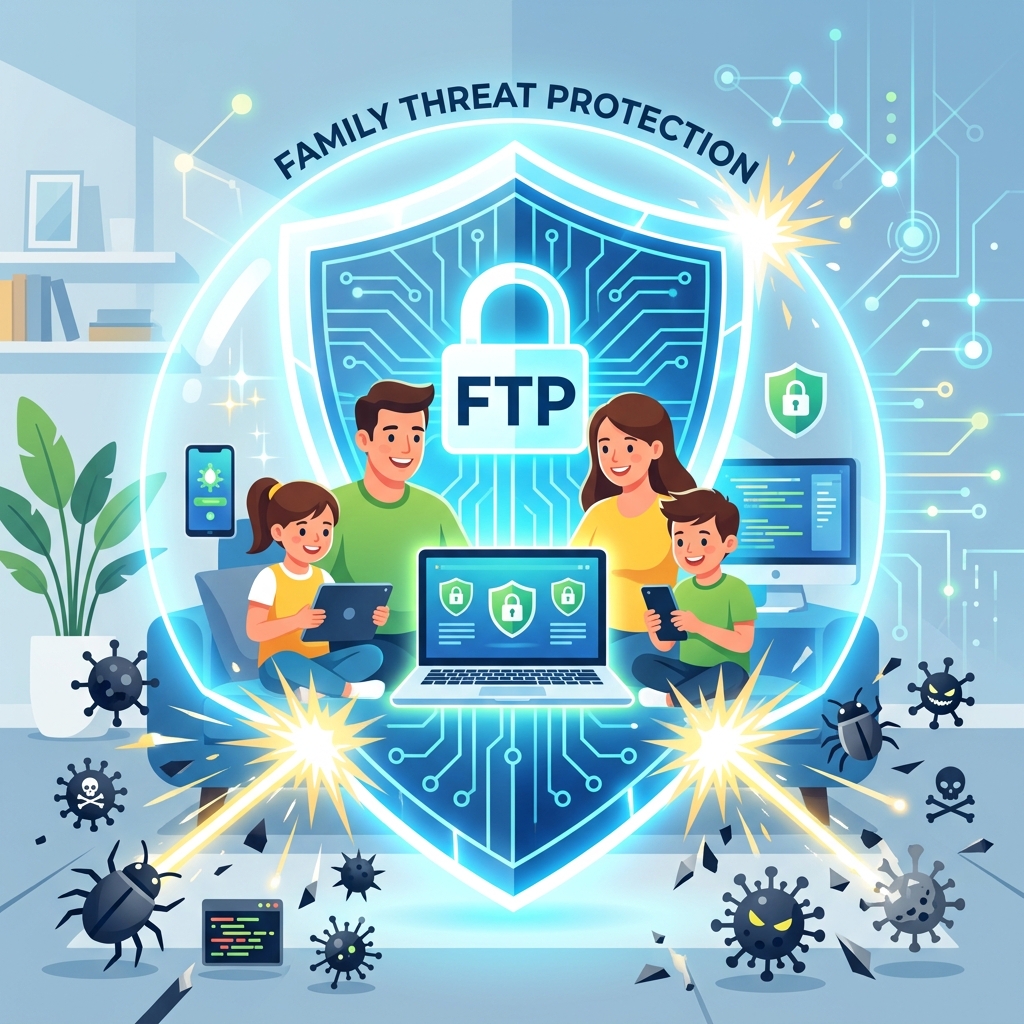
Family threat protection software encompasses comprehensive digital security suites designed to defend all household devices against malware, ransomware, phishing scams, and identity theft. Unlike basic antivirus programs that only scan a single hard drive for known viruses, modern threat protection acts as an active shield, utilizing cloud-based AI to block zero-day exploits before they can infect a device.
Families are particularly vulnerable to cyber threats. A child accidentally downloading a malicious Minecraft mod or a parent clicking a sophisticated phishing email can compromise the entire home network. Once inside, malware can steal banking credentials, lock family photos behind ransomware paywalls, or hijack the device’s computing power.
This guide will detail the essential features of top-tier threat protection, compare the leading software suites, and explain how to deploy these tools effectively across multiple operating systems.
- Family threat protection software includes multi-device licenses to cover PCs, Macs, and smartphones.
- Ransomware protection is a critical feature that prevents hackers from encrypting family photos and documents.
- The best suites include built-in VPNs and password managers.
- Threat protection is the foundational layer of overall family internet security solutions.
Essential Features of Threat Protection Suites
When evaluating software like Norton 360, Bitdefender, or McAfee, ensure the suite includes the following critical defenses.
1. Real-Time Malware and Ransomware Defense
The software must actively monitor file behavior in real-time. If a downloaded file attempts to encrypt the computer’s hard drive (a classic ransomware tactic), the software should instantly terminate the process and quarantine the file, saving your data.
2. Anti-Phishing Web Protection
Phishing is the most common way families are hacked. The software should integrate with your browser to block deceptive websites that mimic legitimate banks or email providers. This is a critical component of secure browsing for kids.
3. Virtual Private Network (VPN)
A VPN encrypts your internet connection. This is vital when family members connect their smartphones or laptops to public Wi-Fi networks at coffee shops or airports, preventing hackers from intercepting their data.
Comparing the Best Family Suites
Choosing the right software depends on the number of devices you need to protect and your budget.
| Software Suite | Best Feature | Consideration |
|---|---|---|
| Bitdefender Total Security | Extremely lightweight; does not slow down older computers or gaming PCs. | The included VPN has a daily data limit unless you pay for a premium upgrade. |
| Norton 360 Deluxe | Excellent all-in-one package; includes Dark Web Monitoring and robust parental controls. | Can be resource-heavy during full system scans. |
| McAfee+ Premium Family | Offers unlimited device licenses, making it perfect for large households. | The user interface can be confusing for non-technical users. |
Deployment and Best Practices
Simply buying the software is not enough; it must be deployed correctly to be effective.
1. Install on Every Device: Do not just protect the family PC. Install the mobile versions on every smartphone and tablet in the house.
2. Enable Auto-Updates: Cyber threats evolve daily. Ensure the software is set to update its virus definitions automatically in the background.
3. Utilize the Password Manager: Most premium suites include a password manager. Transition the family away from reusing simple passwords and start generating secure, unique passwords for every account. This is the first rule of family privacy management.
Conclusion
Family threat protection software is a mandatory investment in today’s digital landscape. By providing real-time defense against ransomware, blocking malicious phishing links, and offering VPN encryption, these suites protect your household from devastating cyberattacks. Evaluate your family’s device count, select a comprehensive suite like Norton or Bitdefender, and install it on every computer and smartphone today.
Commercial Buyer’s Guide: Investing in Your Family’s Digital Safety
While education and communication are foundational, they are not enough to stop automated cyber attacks and synthetic identity fraud. To truly secure your household, you must invest in enterprise-grade cybersecurity. When you are ready to best family threat protection software, you need to look beyond free, basic tools and evaluate premium, comprehensive platforms.
Why Free Tools Fail
Free security tools often lack the critical features necessary for modern defense, such as continuous dark web scanning, real-time ransomware protection, and dedicated resolution specialists. Furthermore, free apps frequently monetize your usage by harvesting and selling your family’s data—the exact opposite of what a privacy tool should do.
Top Recommendations for 2026
Based on our extensive testing and independent security audits, here are the top-rated suites on the market:
| Software Suite | Primary Strength | Average Annual Price |
|---|---|---|
| Aura Family Plan | Unmatched all-in-one protection combining antivirus, VPN, parental controls, and identity theft insurance. | $144/year |
| Norton 360 Deluxe with LifeLock | The industry standard for rapid threat detection and million-dollar stolen funds reimbursement. | $180/year |
| Bark Premium | The absolute best AI-driven social media monitoring for detecting cyberbullying and predatory behavior. | $99/year |
When you evaluate the cost of top identity theft protection or premium parental controls, remember that you are purchasing peace of mind. The financial and emotional toll of a compromised identity or a cyberbullying incident far outweighs the annual subscription fee of a premium security suite.
Author Bio: Russell F. Jones holds a Master in Psychology from the University of Florida. He specializes in digital parenting, translating complex cybersecurity concepts into actionable advice for families.
Last Updated: June 2026
Frequently Asked Questions
What is family threat protection software?
Family threat protection software is a comprehensive security suite that defends multiple household devices (PCs, Macs, and smartphones) against malware, ransomware, phishing, and identity theft.
Do I really need antivirus on a Mac or iPhone?
Yes. While Apple devices are generally more secure against traditional viruses, they are still highly vulnerable to phishing attacks, malicious websites, and data-stealing apps. Comprehensive threat protection mitigates these risks.
What is ransomware protection?
Ransomware protection is a feature that actively monitors your files. If a malicious program attempts to encrypt your photos or documents to hold them for ransom, the software blocks the action and saves your data.
Why do these suites include a VPN?
A Virtual Private Network (VPN) encrypts your internet connection. This is essential for protecting your family’s data when they connect to unsecure, public Wi-Fi networks at schools or cafes.
Is Windows Defender enough to protect my family?
While Windows Defender provides good basic antivirus protection for a PC, it lacks advanced features like a VPN, dark web monitoring, cross-platform support for mobile devices, and integrated parental controls.
Comprehensive 2026 Buyer’s Guide & Additional Insights: Family Threat Protection Software: Your Digital Shield
As the digital landscape evolves, staying informed about family threat protection software: your digital shield is more critical than ever. Families across the globe are facing unprecedented challenges in managing digital safety, screen time, and psychological well-being. Whether you are dealing with toddlers discovering tablets or teenagers navigating complex social media ecosystems, relying on outdated strategies is no longer sufficient.
Why Premium Solutions Matter
Many parents attempt to solve modern digital problems using free, built-in operating system controls. However, these tools are often inadequate against tech-savvy minors and sophisticated algorithms. When addressing family threat protection software: your digital shield, investing in enterprise-grade family network security and premium software suites provides a unified, impenetrable defense.
Free tools typically lack deep packet inspection, real-time cyberbullying detection, and comprehensive dark web scanning. Furthermore, some free applications monetize their services by harvesting your family’s behavioral data, directly contradicting your privacy goals.
Top Industry Recommendations
| Recommended Service | Key Benefit | Average Cost |
|---|---|---|
| Aura Family Plan | Unmatched all-in-one protection combining antivirus, VPN, parental controls, and identity theft insurance. | $144/year |
| Norton 360 Deluxe | Industry-standard rapid threat detection and million-dollar stolen funds reimbursement. | $180/year |
| Bark Premium | The absolute best AI-driven social media monitoring for detecting digital threats. | $99/year |
When you evaluate the costs associated with these premium tools, you must factor in the invaluable peace of mind they provide. The financial and emotional toll of a compromised identity or unmonitored digital access far outweighs a nominal annual subscription fee.
Comprehensive 2026 Buyer’s Guide & Additional Insights: Family Threat Protection Software: Your Digital Shield
As the digital landscape evolves, staying informed about family threat protection software: your digital shield is more critical than ever. Families across the globe are facing unprecedented challenges in managing digital safety, screen time, and psychological well-being. Whether you are dealing with toddlers discovering tablets or teenagers navigating complex social media ecosystems, relying on outdated strategies is no longer sufficient.
Why Premium Solutions Matter
Many parents attempt to solve modern digital problems using free, built-in operating system controls. However, these tools are often inadequate against tech-savvy minors and sophisticated algorithms. When addressing family threat protection software: your digital shield, investing in enterprise-grade family network security and premium software suites provides a unified, impenetrable defense.
Free tools typically lack deep packet inspection, real-time cyberbullying detection, and comprehensive dark web scanning. Furthermore, some free applications monetize their services by harvesting your family’s behavioral data, directly contradicting your privacy goals.
Top Industry Recommendations
| Recommended Service | Key Benefit | Average Cost |
|---|---|---|
| Aura Family Plan | Unmatched all-in-one protection combining antivirus, VPN, parental controls, and identity theft insurance. | $144/year |
| Norton 360 Deluxe | Industry-standard rapid threat detection and million-dollar stolen funds reimbursement. | $180/year |
| Bark Premium | The absolute best AI-driven social media monitoring for detecting digital threats. | $99/year |
When you evaluate the costs associated with these premium tools, you must factor in the invaluable peace of mind they provide. The financial and emotional toll of a compromised identity or unmonitored digital access far outweighs a nominal annual subscription fee.
Explore More Digital Parenting Resources
For a comprehensive overview of how to protect your family in 2026, be sure to read our Ultimate Guide to Digital Parenting.
Additionally, check out these related guides to further secure your household:
- Child Online Privacy Protection: Securing Your Kids’ Data
- Online Risk Assessment for Children: Evaluating Digital Threats
- Child Credit Monitoring Service: Securing Their Financial Future
