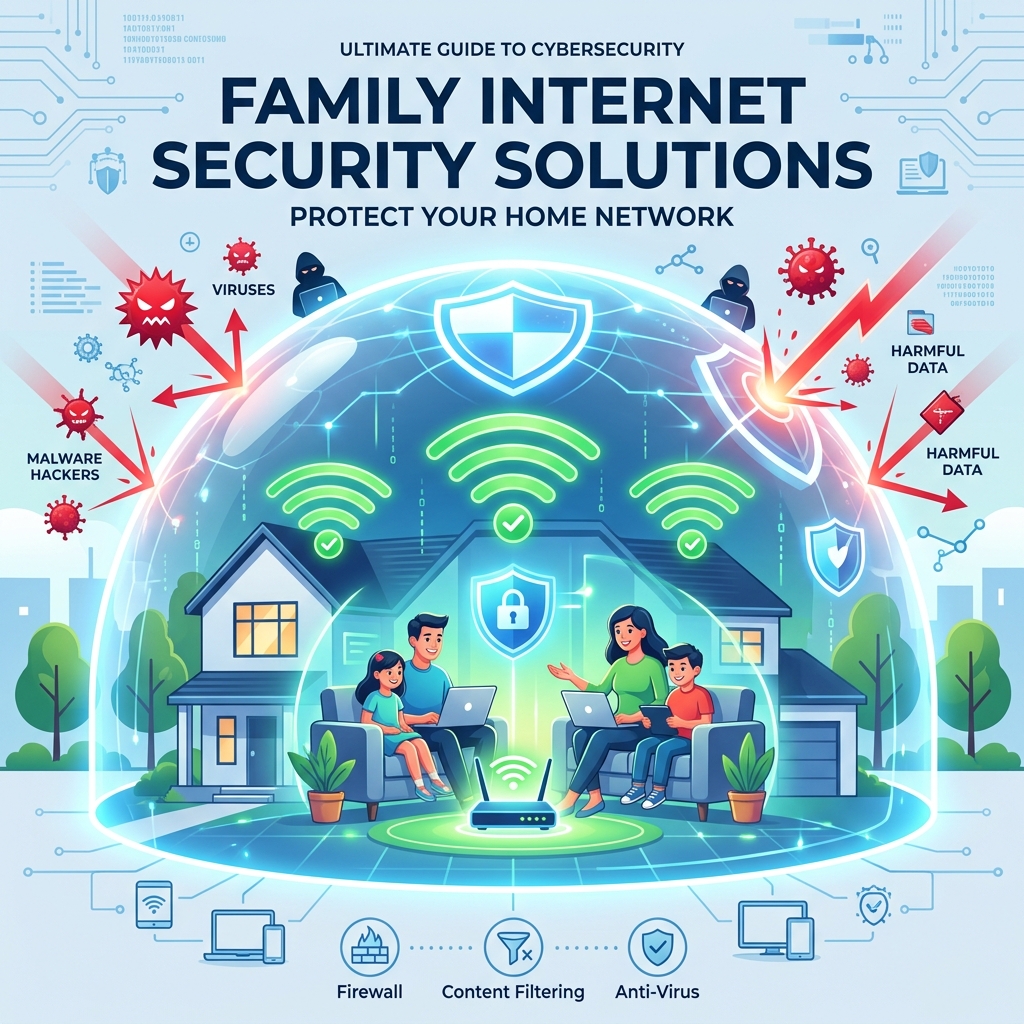
Family internet security solutions are comprehensive, network-wide defense systems designed to protect every connected device in a household from malware, phishing attacks, and inappropriate content. Unlike installing antivirus software on a single laptop, these solutions secure the internet connection at its source—usually the home Wi-Fi router—creating a digital umbrella over the entire family.
The modern home is filled with internet-connected devices: smartphones, smart TVs, gaming consoles, and voice assistants. Managing security on each individual device is nearly impossible. A centralized security solution ensures that even devices that cannot run traditional antivirus software (like a smart thermostat or a Nintendo Switch) are protected from external intrusions.
This guide explores the architecture of network-wide security, compares top hardware and software solutions, and provides actionable steps to lock down your home network today.
- Family internet security solutions protect the entire network, not just individual computers.
- Hardware firewalls (like Firewalla) provide the most robust defense against IoT vulnerabilities.
- Network-level filtering ensures that SafeSearch is enforced on all devices, regardless of the browser used.
- Centralized security is the foundation of effective family privacy management.
Why Endpoint Security is No Longer Enough
Historically, families relied on “endpoint security”—installing McAfee or Norton on the family PC. However, the proliferation of the Internet of Things (IoT) has rendered this approach obsolete.
The IoT Vulnerability
Smart home devices often have notoriously poor security firmware. A hacker can compromise a vulnerable smart lightbulb and use it as a bridge to access the laptops and smartphones on the same network. Because you cannot install antivirus software on a lightbulb, securing the network itself is the only viable defense strategy.
The Screen Time Battle
Children are adept at bypassing software-level parental controls on their phones. However, if the home router cuts off the Wi-Fi at 9:00 PM, the child cannot bypass it from their device. Network-level controls offer unyielding enforcement.
Core Components of a Family Internet Security Solution
A true comprehensive solution will include several layers of protection working in tandem.
1. DNS Filtering
The Domain Name System (DNS) is the phonebook of the internet. By changing your router’s DNS settings to a secure provider (like OpenDNS Family Shield or CleanBrowsing), the network automatically blocks requests to known malicious websites, adult content, and phishing domains. This is the ultimate method for enforcing secure browsing for kids.
2. Hardware Firewalls and Smart Routers
Upgrading to a smart router (like eero Secure or Google Nest Wifi) or adding a hardware firewall (like Firewalla) provides deep packet inspection. These devices actively monitor incoming and outgoing traffic, instantly blocking suspicious connections and alerting parents via a smartphone app.
3. Device Pausing and Bandwidth Management
Modern solutions allow parents to create profiles for each family member. You can pause the internet for specific profiles during dinner time or prioritize bandwidth for a parent’s Zoom call over a child’s Xbox download.
Comparing Security Approaches
Families must choose the level of hardware integration that fits their technical comfort level.
| Solution Type | Example Products | Best For |
|---|---|---|
| DNS Configuration (Free) | OpenDNS, CleanBrowsing | Families seeking a free, invisible way to block adult content across the whole house. |
| Smart Mesh Routers | eero Secure, TP-Link HomeCare | Large homes needing strong Wi-Fi coverage combined with easy-to-use parental control apps. |
| Dedicated Hardware Firewalls | Firewalla Purple, Gryphon | Advanced family threat protection software integration for blocking IoT threats and ad-trackers. |
Actionable Steps to Secure Your Network Today
You do not need to buy new hardware to improve your security right now. Follow these basic steps:
1. Change the Admin Password: Log into your current router and change the default admin password. Hackers use default passwords to hijack home networks.
2. Enable WPA3: Ensure your Wi-Fi network is using the latest encryption standard (WPA3 or WPA2-AES).
3. Create a Guest Network: Put all smart TVs, smart speakers, and IoT devices on a separate “Guest” Wi-Fi network to isolate them from your primary computers.
Conclusion
Family internet security solutions shift the burden of protection from the individual device to the network hub. By investing in a smart router or configuring secure DNS filtering, you establish a formidable barrier against malware, tracking scripts, and inappropriate content. Start today by securing your router’s admin credentials and creating a segregated guest network for your smart home devices.
Commercial Buyer’s Guide: Investing in Your Family’s Digital Safety
While education and communication are foundational, they are not enough to stop automated cyber attacks and synthetic identity fraud. To truly secure your household, you must invest in enterprise-grade cybersecurity. When you are ready to compare family internet security solutions cost, you need to look beyond free, basic tools and evaluate premium, comprehensive platforms.
Why Free Tools Fail
Free security tools often lack the critical features necessary for modern defense, such as continuous dark web scanning, real-time ransomware protection, and dedicated resolution specialists. Furthermore, free apps frequently monetize your usage by harvesting and selling your family’s data—the exact opposite of what a privacy tool should do.
Top Recommendations for 2026
Based on our extensive testing and independent security audits, here are the top-rated suites on the market:
| Software Suite | Primary Strength | Average Annual Price |
|---|---|---|
| Aura Family Plan | Unmatched all-in-one protection combining antivirus, VPN, parental controls, and identity theft insurance. | $144/year |
| Norton 360 Deluxe with LifeLock | The industry standard for rapid threat detection and million-dollar stolen funds reimbursement. | $180/year |
| Bark Premium | The absolute best AI-driven social media monitoring for detecting cyberbullying and predatory behavior. | $99/year |
When you evaluate the cost of top identity theft protection or premium parental controls, remember that you are purchasing peace of mind. The financial and emotional toll of a compromised identity or a cyberbullying incident far outweighs the annual subscription fee of a premium security suite.
Author Bio: Russell F. Jones holds a Master in Psychology from the University of Florida. He specializes in digital parenting, bridging the gap between technical cybersecurity solutions and practical family management.
Last Updated: June 2026
Frequently Asked Questions
What are family internet security solutions?
Family internet security solutions are network-wide defenses, usually built into the home Wi-Fi router, that protect all connected devices from malware, phishing, and inappropriate content simultaneously.
How is network security different from antivirus software?
Antivirus software only protects the specific device it is installed on (like a PC). Network security protects the entire Wi-Fi connection, meaning it secures devices that cannot run antivirus, like smart TVs and gaming consoles.
What is DNS filtering?
DNS filtering blocks internet traffic at the directory level. If a device on your network tries to access a known malicious or adult website, the secure DNS server simply refuses to connect to the IP address.
Can my child bypass a hardware firewall?
It is exceedingly difficult for a child to bypass a hardware firewall or router-level block while connected to the home Wi-Fi. However, they can bypass it if they disconnect from Wi-Fi and use their cellular data plan.
Why should I put smart home devices on a guest network?
Smart home devices (IoT) often have weak security. Putting them on a separate guest network isolates them. If a hacker compromises a smart lightbulb, they cannot use it to access the sensitive files on your main family computer.
Comprehensive 2026 Buyer’s Guide & Additional Insights: Family Internet Security Solutions: Securing Your Home Network
As the digital landscape evolves, staying informed about family internet security solutions: securing your home network is more critical than ever. Families across the globe are facing unprecedented challenges in managing digital safety, screen time, and psychological well-being. Whether you are dealing with toddlers discovering tablets or teenagers navigating complex social media ecosystems, relying on outdated strategies is no longer sufficient.
Why Premium Solutions Matter
Many parents attempt to solve modern digital problems using free, built-in operating system controls. However, these tools are often inadequate against tech-savvy minors and sophisticated algorithms. When addressing family internet security solutions: securing your home network, investing in enterprise-grade family network security and premium software suites provides a unified, impenetrable defense.
Free tools typically lack deep packet inspection, real-time cyberbullying detection, and comprehensive dark web scanning. Furthermore, some free applications monetize their services by harvesting your family’s behavioral data, directly contradicting your privacy goals.
Top Industry Recommendations
| Recommended Service | Key Benefit | Average Cost |
|---|---|---|
| Aura Family Plan | Unmatched all-in-one protection combining antivirus, VPN, parental controls, and identity theft insurance. | $144/year |
| Norton 360 Deluxe | Industry-standard rapid threat detection and million-dollar stolen funds reimbursement. | $180/year |
| Bark Premium | The absolute best AI-driven social media monitoring for detecting digital threats. | $99/year |
When you evaluate the costs associated with these premium tools, you must factor in the invaluable peace of mind they provide. The financial and emotional toll of a compromised identity or unmonitored digital access far outweighs a nominal annual subscription fee.
Explore More Digital Parenting Resources
For a comprehensive overview of how to protect your family in 2026, be sure to read our Ultimate Guide to Digital Parenting.
Additionally, check out these related guides to further secure your household:
- Child Data Protection: The Ultimate Guide to Securing Minors’ Data
- Child Credit Monitoring Service: Securing Their Financial Future
- Secure Browsing for Kids: Locking Down Their Digital Window
Explore More Digital Parenting Resources
For a comprehensive overview of how to protect your family in 2026, be sure to read our Ultimate Guide to Digital Parenting.
Additionally, check out these related guides to further secure your household:
- Online Reputation Management for Teens: Building a Positive Digital Footprint
- Child Cyber Security Software: The Ultimate Parent’s Guide
- Family Identity Protection Services: Guarding Your Digital Life
